
1. Why this guide exists
If you’re curious about AI but feel a little behind, this guide is for you. You don’t need to be “techy.” You don’t need fancy equipment. You just need:
- A phone, tablet, or computer
- A bit of curiosity
- A few simple safety rules
By the end, you’ll know what ChatGPT is, what it can do for you, what it should not do, and how to practice in small, low-pressure steps without feeling rushed. If you want shorter, focused tips after this, you can also read Simple AI Tips for Older Adults (Start Small, Stay in Control).
2. What is ChatGPT, in plain language?
You can think of ChatGPT as a very advanced writing and thinking helper that:
- Reads what you type,
- Predicts what should come next, and
- Sends back a helpful response.
It’s not a person and it doesn’t “know” you the way a friend does, but it is very good at:
- Turning messy thoughts into clear text (see also What Is a Prompt?)
- Explaining things in simple language
- Helping you brainstorm and organize
You talk to it using prompts—plain language instructions like: “Explain this for someone who is new to AI and not very technical,” or “Turn this messy note into a polite email.” You don’t have to sound professional or fancy. You just want to be specific. If you’d like more help with this later, you can read How to Talk to ChatGPT Without Feeling Awkward.
3. What ChatGPT can do for everyday life
Here are some real-life tasks where ChatGPT can make things easier. These are the kinds of small, useful tasks I focus on across the My Simple AI Help blog.
3.1 Messages and emails
ChatGPT can help you:
- Turn a rough idea into a clear email
- Rewrite something to sound warmer, shorter, or more professional
- Say “no” kindly when you feel stuck on the wording
Example prompt:
“I need to reply to my friend to say I can’t make it to lunch this week. I want it to sound warm and honest, not like an excuse. Please draft a short, friendly reply.”
3.2 Lists and basic planning
ChatGPT can help with simple planning, like:
- Grocery lists
- Packing lists
- To-do lists for a busy week
Example prompt:
“I’m cooking for two people this weekend: one simple pasta dinner and one breakfast. Make a short grocery list for me. Keep it basic and inexpensive.”
For more small, practical examples, you can also read 5 Everyday AI Tasks That Make Life Easier.
3.3 Learning new things, calmly
You can ask ChatGPT to explain concepts that feel confusing, like:
- “What is cloud backup?”
- “What does this error message mean on my phone?”
- “What does this technical term mean in everyday language?”
Example prompt:
“Explain two-factor authentication in very simple terms. Pretend you’re talking to someone who is new to smartphones and doesn’t like technical language.”
3.4 Summaries and “translate this into normal English”
ChatGPT can:
- Summarize long articles or emails
- Rewrite complicated text in plain language
- Pull out just the key points for you
Example prompt:
“Here is a long email from my insurance company. Please summarize the key points in 5 bullet points and tell me if there is anything I need to do.”
3.5 Brainstorming when your brain is tired
ChatGPT is also good for low-stress brainstorming, like:
- Gift ideas
- Simple hobby ideas
- Conversation starters
- Journal prompts
Example prompt:
“Give me 10 simple ideas for staying in touch with old friends, for someone who does not enjoy social media.”
4. What ChatGPT cannot do (and should not do)
This part is important: Do not use ChatGPT or any AI system to make medical, financial, or legal decisions. It is only suitable for general education, explanations, and help wording questions you can take to a real professional. Never act on AI-generated information alone in these areas; always talk to a qualified doctor, financial advisor, or lawyer before you decide or sign anything.
Some AI tools also have very few guardrails. Different platforms may happily give you strong-sounding advice without any warnings or disclaimers. That is one more reason to treat AI as a helper you double-check, not as an authority you obey.
Some helpful ways to think about it:
- Health: ChatGPT can explain general concepts (like what blood pressure is), but it is not your doctor.
- Money: It can explain terms (like “CD” or “fixed-rate mortgage”), but it is not your financial advisor.
- Legal: It can explain ideas (like “power of attorney”), but it is not your lawyer.
For anything important, use ChatGPT as a helper: it can draft questions for your doctor, help you word an email to your bank, or summarize a long document. But you should still confirm important decisions with a real professional before you act.
If you’d like a shorter, focused safety overview, you can also read Is It Safe to Use AI? Simple Rules That Help.
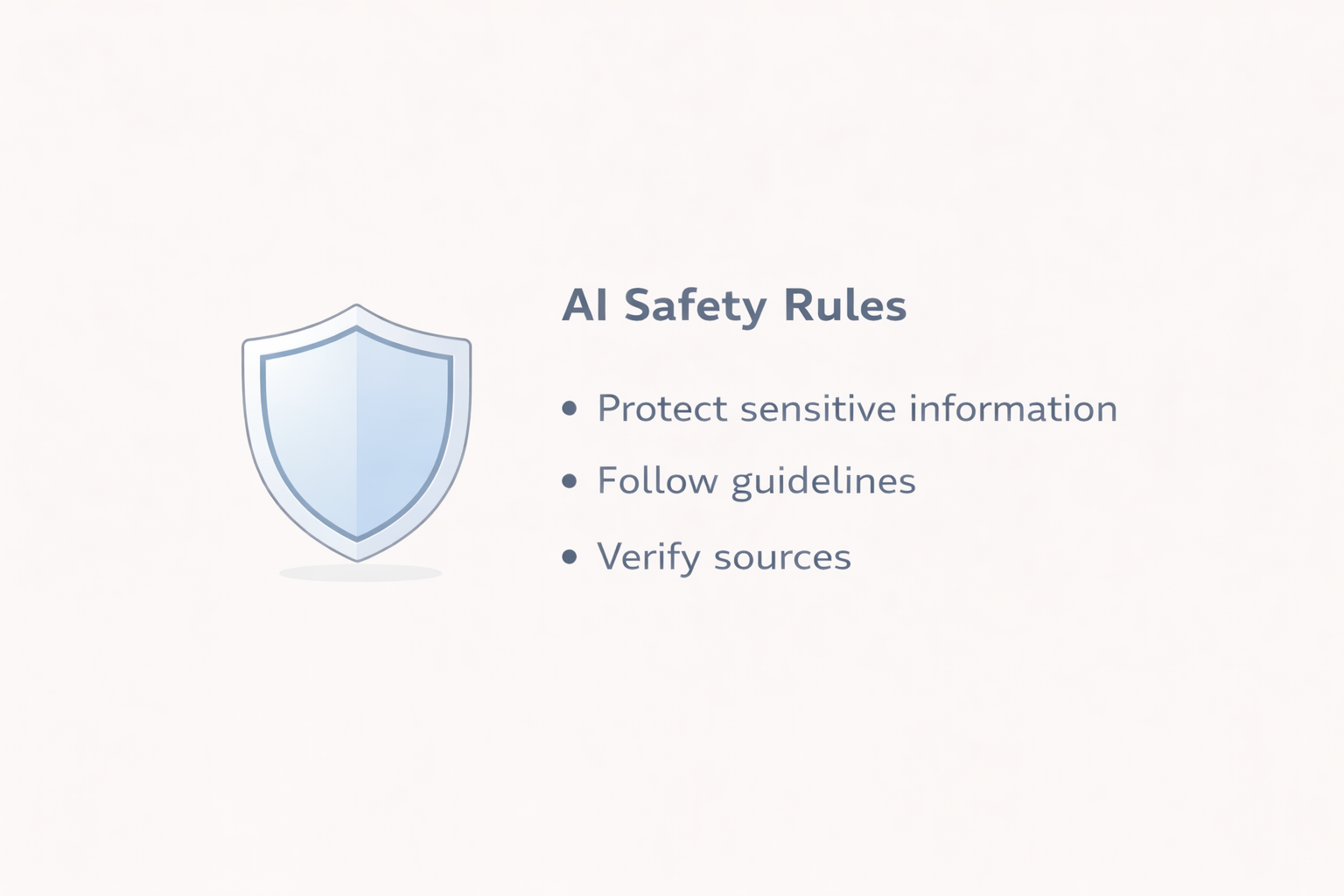
5. Simple safety rules that make AI feel manageable
You don’t have to understand every detail of how AI works. A few simple rules will keep things comfortable and under control.
Rule 1: Don’t share sensitive personal details
Avoid typing things like:
- Full Social Security numbers
- Bank or credit card numbers
- Full driver’s license or ID numbers
- Very private medical details
You can still ask questions by keeping them general. For example:
Instead of: “I take this exact medication at this exact dose. Is that bad?”
Try: “What are some common side effects of blood pressure medications? I know you are not a doctor.”
Rule 2: Treat anything important like a “second opinion”
If the topic is serious, use ChatGPT like a starting point, not the final word:
- Health: Ask for a plain-language explanation, then talk to your doctor.
- Money: Let it explain terms, then check with a financial professional.
- Legal: Let it summarize something, then confirm with a lawyer if needed.
Rule 3: Ask for step-by-step help
When something feels big or unfamiliar, you can slow the AI down by saying:
- “Walk me through this one step at a time.”
- “Give me a simple checklist I can follow.”
- “Show me where I can read more from trusted sources.”
6. How to write a useful prompt (without feeling fancy)
You don’t have to write perfect prompts. You just want three things:
- Context – what you’re trying to do
- Role – how you want ChatGPT to behave
- Format – what kind of answer you want back
Here’s a simple template you can reuse:
“You are a patient, friendly helper for beginners. I’m in this situation: [describe your situation]. I want to [goal]. Please answer in [format].”
Example:
“You are a patient, friendly helper for beginners. I am new to AI and not very technical. I want to learn how to use ChatGPT to plan my week. Please answer with a simple checklist I can follow on Sundays.”
You can also “coach” ChatGPT if you don’t like the first answer:
- “That felt too technical. Make it simpler.”
- “Shorten this to 3 bullet points.”
- “Give me an example that sounds more like real life.”
You are allowed to push back. You are in charge.
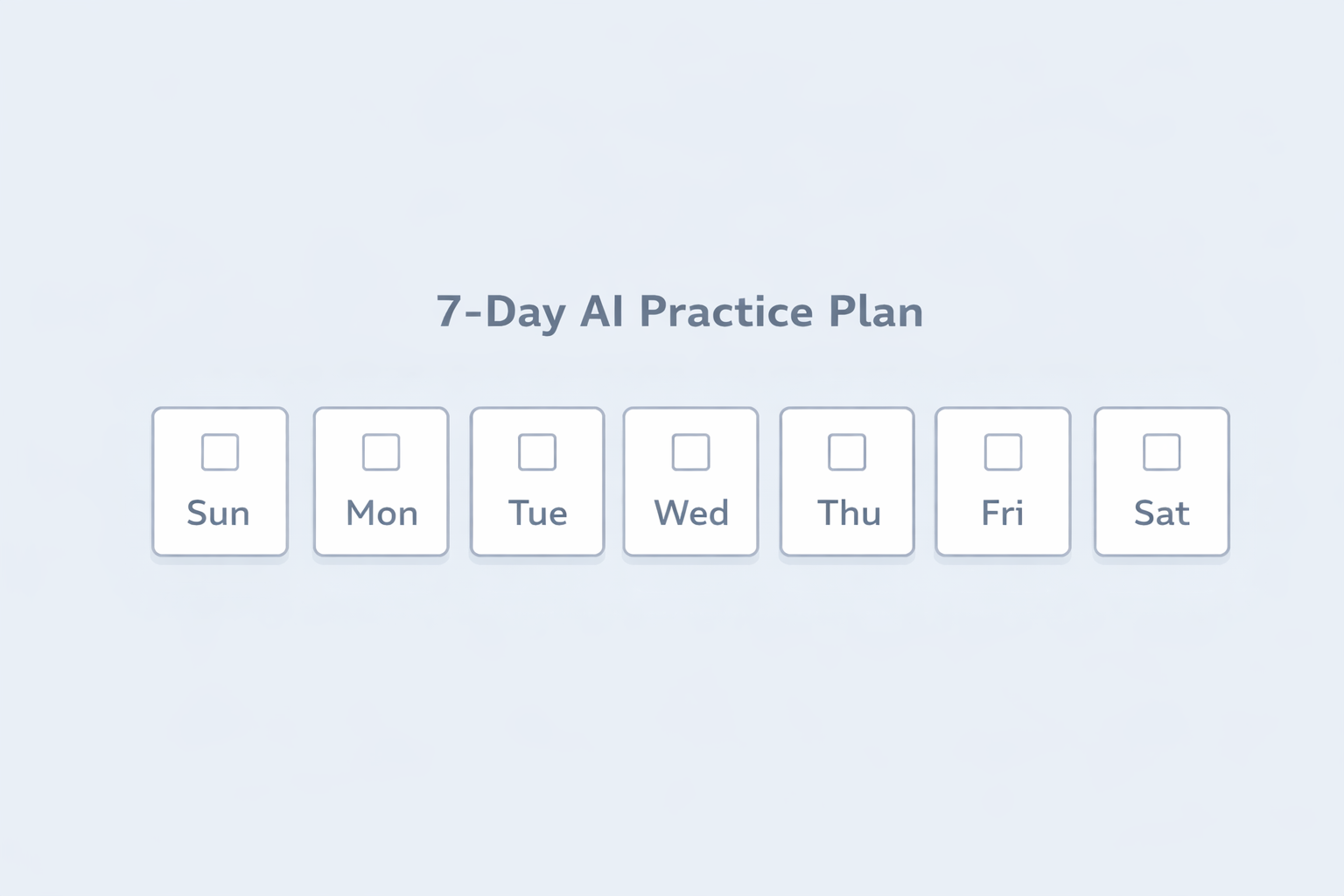
7. A simple 7-day practice plan
If you’d like to build confidence without feeling rushed, here’s a simple 7-day plan. You can do this one day after another, or even one day per week if that feels better.
Day 1: Just say hello
Goal: Get comfortable opening ChatGPT and sending one message.
Prompt idea:
“Hello. I’m brand new to AI and not very technical. Please explain in very simple terms what you can help me with.”
Day 2: One real message or email
Goal: Let ChatGPT help with a real task you already have.
Prompt idea:
“I want to send a short message to my friend to check in on them. Please write 3 friendly options for me to choose from.”
Day 3: One learning question
Goal: Use ChatGPT to explain something you’ve been wondering about.
Prompt idea:
“Explain [topic] in simple terms. Pretend you’re explaining it to someone who is new to technology and prefers plain, everyday language. Keep it under 300 words.”
Day 4: A personal list
Goal: Let ChatGPT help you organize something in your life.
Prompt idea:
“Make a short, practical to-do list for me for tomorrow. I’m retired, living at home, and I want to mix errands, rest, and one fun activity.”
Day 5: A safety check
Goal: Practice talking about safety in a calm way.
Prompt idea:
“Give me a short list of 5 simple safety rules for using AI and ChatGPT. I am not very technical and I want to stay safe online.”
Day 6: Turn something messy into something clear
Goal: See how much effort ChatGPT can save you.
Prompt idea:
“Here is a messy note I wrote. Please turn it into a clear, polite email I can send. Keep my tone friendly but not overly formal.”
Day 7: Plan your own AI routine
Goal: Decide how you want to keep using ChatGPT (if at all).
Prompt idea:
“Based on what we’ve done so far, suggest a simple weekly routine for using ChatGPT that takes 15–30 minutes total each week. I want it to feel helpful, light, and not like homework.”
8. When to pause or step away
It’s just as important to know when to close the tab:
- When you’re tired and everything starts to sound confusing
- When a topic is making you more anxious instead of calmer
- When you’re tempted to copy something directly into a legal, financial, or medical form
- When you find yourself reading the same answer several times and still feel stuck
In those moments, it’s okay to say, “I think I’ve reached my limit for today. Thanks for the help,” and come back another time.
9. What to do next
If this guide helped you feel more comfortable:
- Try one or two of the 7-day practice prompts this week.
- Bookmark this page or another post that helped so you can come back when you forget something.
- Consider signing up for our beginner-friendly AI newsletter so you get small, practical tips over time instead of trying to learn everything at once.
You don’t have to become an AI expert. You just have to learn enough for your own life, at your own pace. That is more than enough.
Want calm AI tips by email?
If you’d like small, practical AI tips written for everyday people, you can join our free newsletter below or head back to the blog for more short reads.